Make It a Quote
Make it a quote without inviting a bot to your server. Drop in a photo, type the line and the name, and get the black-and-white quote image everyone recognizes — sized for Discord, X, Instagram or Stories, all made right here in your browser.
Card studio
Your photo is processed in your browser and never uploaded to a server.
Style
Background
Font & layout
How to make it a quote
- 01
Add a photo
Choose a photo or drag one onto the photo box. It is processed in your browser and never uploaded. No photo? You still get a clean placeholder silhouette.
- 02
Write the line and pick a layout
Type the quote, the name and an optional @handle. Discord puts the photo on the left with a dark fade, like the bot; Classic runs it full-bleed; Photo left / right give a cleaner split. Black & white is on by default.
- 03
Export
Download a PNG, grab all five sizes as a ZIP, copy the image to your clipboard, or share it from your phone.
More control than the bot
Photo size and background
Slide the photo panel wider or narrower, and change the dark backdrop behind it to any color you like.
Four layouts
Discord, Classic, Photo left and Photo right, so you can match the bot look or make something cleaner.
Fonts and text size
Choose from 11 fonts, including serif, sans, mono, handwritten, display and three Chinese typefaces. Auto-fit keeps long lines inside the card; turn it off to set the size yourself.
Five export sizes
Square 1:1, Portrait 4:5, Story 9:16, Wide 16:9 and Link 1200×630, downloaded one at a time or together as a ZIP.
Watermark on or off
A small site credit sits in the corner by default. Switch it off in one click — it is free either way.
Private by design
Your photo is processed in this browser and never uploaded to a server; your words and settings are saved only here. There is no account to create.
Examples
Real exports from the card studio on this site, with the default corner watermark left on.
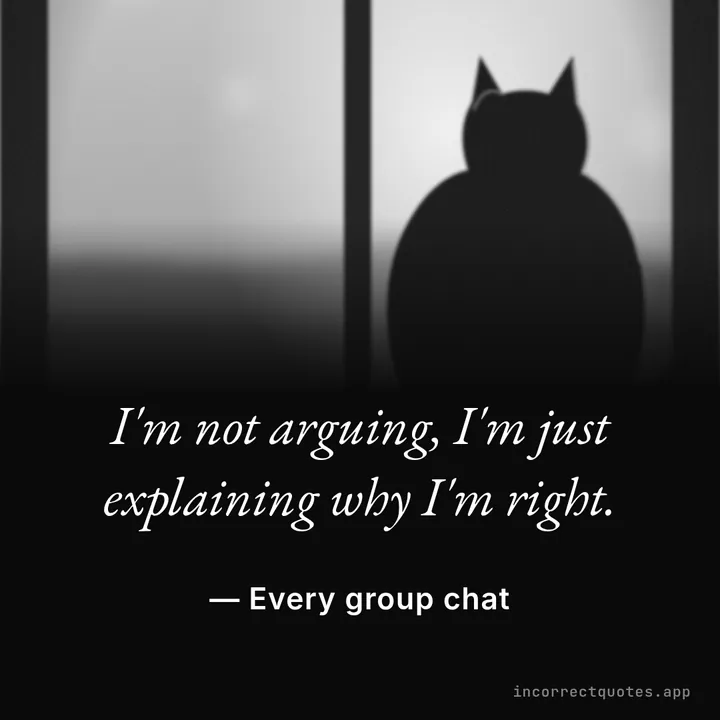
Make It a Quote photo card
Photo fading to black, the quote beside it, in black and white.
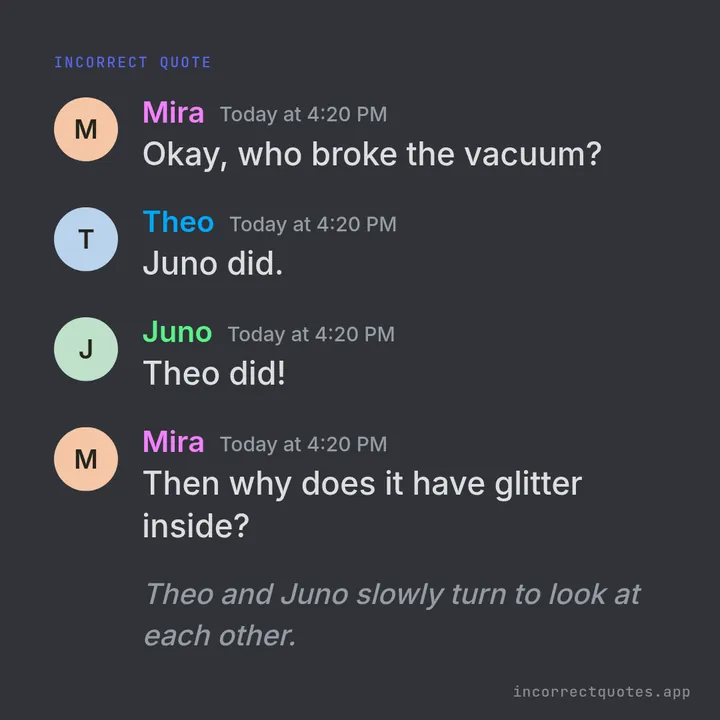
Discord-style card
Avatars, colored names and timestamps on Discord Dark.
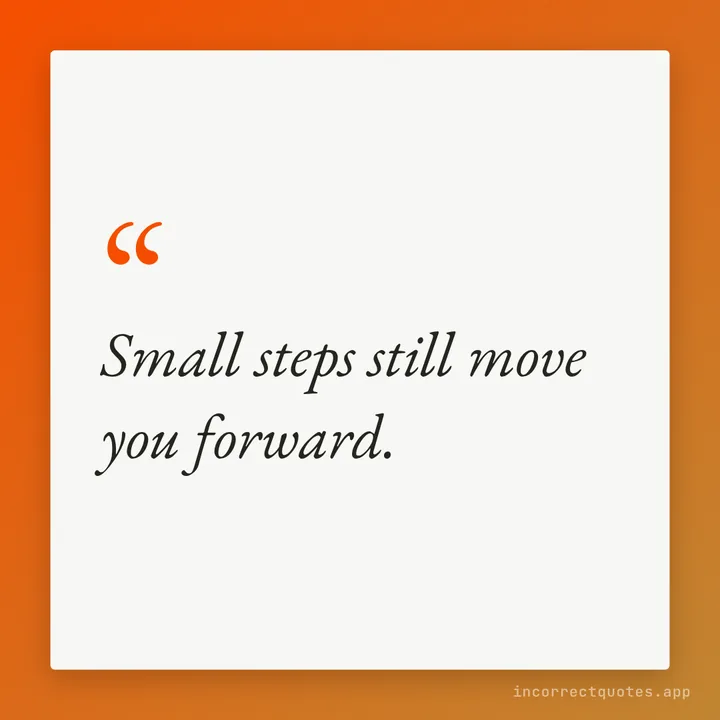
Gradient text card
A single line on a white card over a two-color gradient.
What “make it a quote” means
On Discord, someone replies to a message with “make it a quote” and a bot turns it into a dramatic black-and-white image: the sender's avatar fading into darkness on one side, the words in a thoughtful serif on the other, and the name underneath like a famous philosopher. It works because the format is solemn and the content usually isn't.
The trouble is that you need the bot installed in that exact server, and the result is locked to one size and one look. This page gives you the same idea as a free web tool. You can make a quote from any photo, any line and any name, then post it anywhere — group chats, Tumblr, X, an Instagram carousel or your server's #memes channel.
Tips for a better quote image
Short lines hit harder: one sentence of 8–20 words reads best at Square and Portrait sizes. Use a face photo cropped close, because the fade swallows the edges. Black & white hides mismatched lighting, which is why the bot uses it — keep it on for memes and switch it off for a warmer keepsake. If you want the classic make a quote style with no photo at all, switch to Text card mode and pick the Midnight or Parchment theme.
Make It a Quote — FAQ
Is this the Make it a Quote Discord bot?
No. It is an independent web tool that recreates the look so you can make a quote image without adding a bot to any server.
Is my photo uploaded anywhere?
No. The image is drawn on a canvas inside your browser. Closing the tab clears it unless you saved the result yourself.
Can I make a quote without a photo?
Yes. Leave the photo empty to get a neutral silhouette, or use Text card mode for a typographic quote card.
Which size should I use for Discord?
Link 1200×630 or Wide 16:9 previews well inside Discord chat. Square is safest when you are not sure where it will be posted.
Can I remove the watermark?
Yes. Turn off the Corner watermark toggle before exporting. There is no paid tier.
Updated