Quote Card Maker
A free quote card maker that runs in your browser. Type a line and a name, pick a size and theme, and download a clean PNG for Instagram, X, Discord or a slide deck. No sign-up and no uploads.
Make a quote card in three steps
- 01
Write the quote
Type or paste any line, then add who said it. Keep it short for square posts.
- 02
Pick a look
Choose square, portrait, story or wide, then a theme, font and alignment.
- 03
Download or copy
Save a PNG at full resolution or copy the image straight into a chat.
What the quote card maker does
Six sizes
Square, portrait, story, landscape, wide and banner presets match the common social formats.
Readable by default
Text auto-fits the card so long lines never spill off the edge.
Private
Everything is drawn on a canvas in your browser. Nothing is sent to a server.
Free
No watermark lock, no account and no limits on downloads.
Examples
Real exports from the card studio on this site, with the default corner watermark left on.
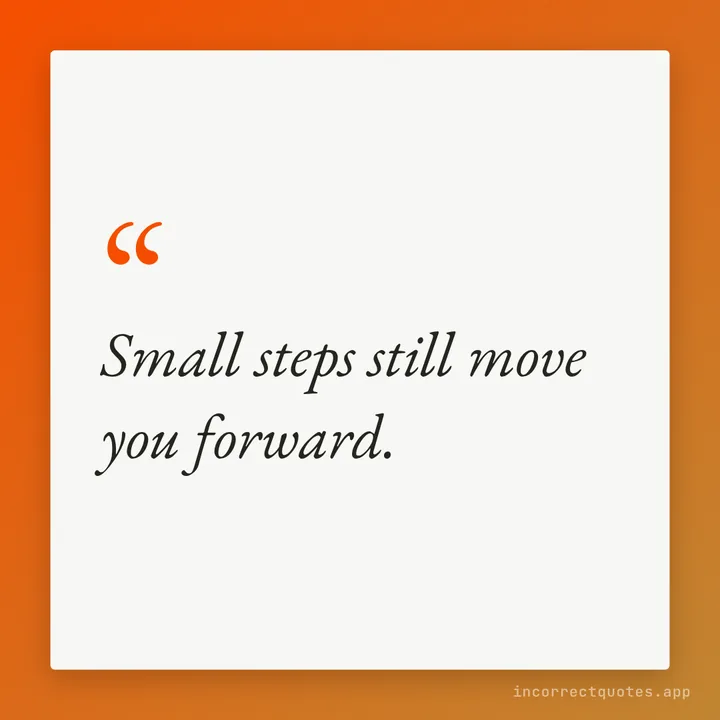
Gradient text card
A single line on a white card over a two-color gradient.
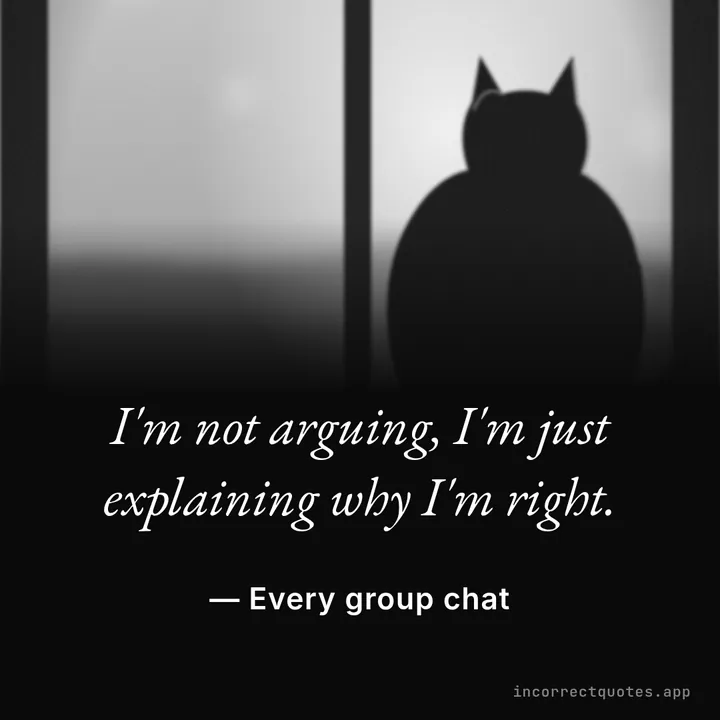
Make It a Quote photo card
Photo fading to black, the quote beside it, in black and white.
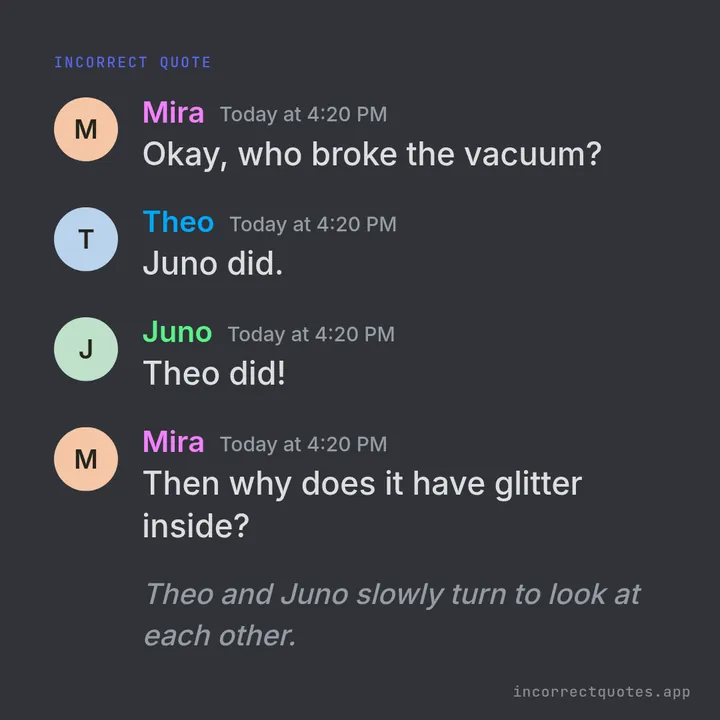
Discord-style card
Avatars, colored names and timestamps on Discord Dark.
Why use a quote card maker
A plain screenshot of text gets lost in a feed. A quote card gives the line room, a clear credit and a consistent look, so it reads well at thumbnail size and is easy to share again.
This maker is part of a small set of free text tools on this site. If you want photo-style cards, the make-it-a-quote tool adds an avatar and a Discord-style layout.
Quote card maker FAQ
Is the quote card maker free?
Yes. It is free to use with no sign-up.
Can I use my own quote?
Yes. Type any text and name. The sample lines are only a starting point.
Which size should I pick?
Square suits most feeds; story suits full-screen phone posts; wide suits blog headers and slides.
Updated