Dialogue Generator
A random dialogue generator for writers and fans. Choose how many characters are talking, filter by vibe, and read the scene as a script, as chat bubbles or as plain text you can paste straight into your draft.
Your incorrect quote · d3-01
Character AWho left a goose in the kitchen?
Character BDefine 'left'.
Character CThey are not wrong. The goose chose to stay.
Character AWhy is the goose wearing their scarf?
Character CWe share now.
Favorites (0)
Tap the heart on any quote to keep it here. Favorites are saved in this browser only.
Names, pronouns and favorites are stored in your browser. Nothing is sent to a server.
Card studio
Style
Background
Font & layout
Generate a dialogue in three steps
- 01
Set the cast
Pick one to six characters and give each a name and pronouns. Leave a name empty to get Character A, B or C.
- 02
Choose a vibe and generate
Chaotic, Sarcastic, Wholesome, Romantic or Fantasy — combine as many as you like, then press Generate.
- 03
Read, copy or export
Switch between Script, Chat and Plain text views, copy the text into Google Docs or AO3, or turn the scene into an image with the card studio.
Who the dialogue generator is for
Fanfiction writers
Break writer's block with a scene starter that already has your characters' names in it.
Roleplayers and DMs
Drop a funny exchange into a campaign recap or a Discord RP channel.
OC creators
Test how your original characters sound together before you commit to a plot.
Comic artists
Use the script view as a starting script for a four-panel strip.
Examples
Real exports from the card studio on this site, with the default corner watermark left on.
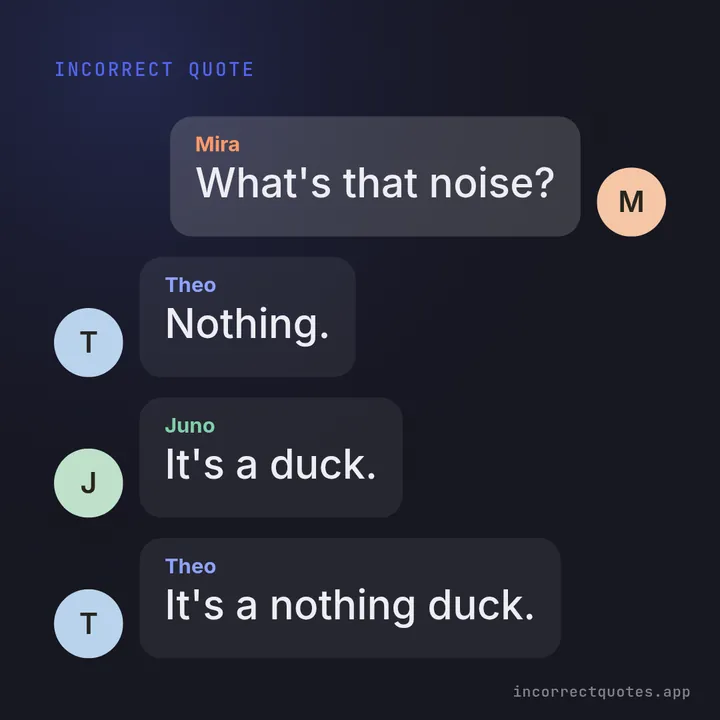
Trio in chat bubbles
Three-person chaos on the Midnight theme.
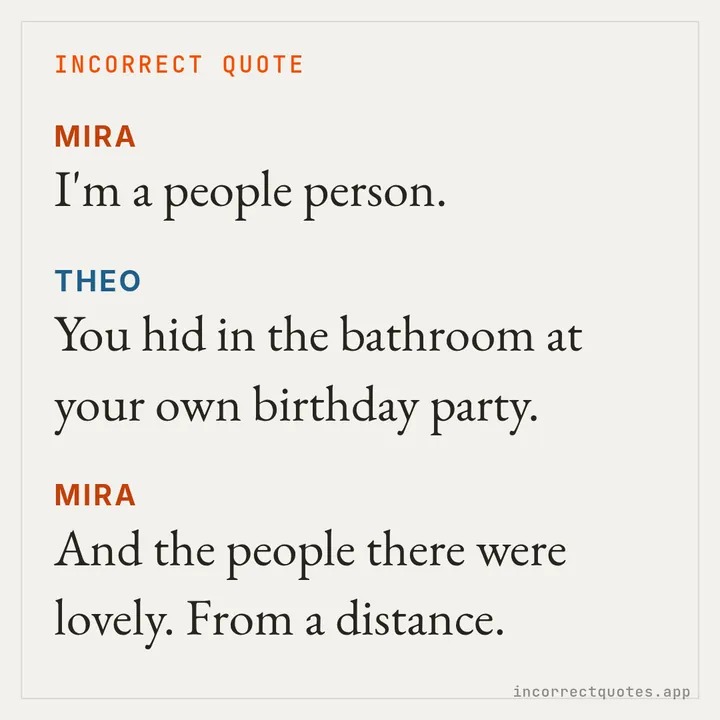
Duo script card
Two characters on the Parchment theme in script style.
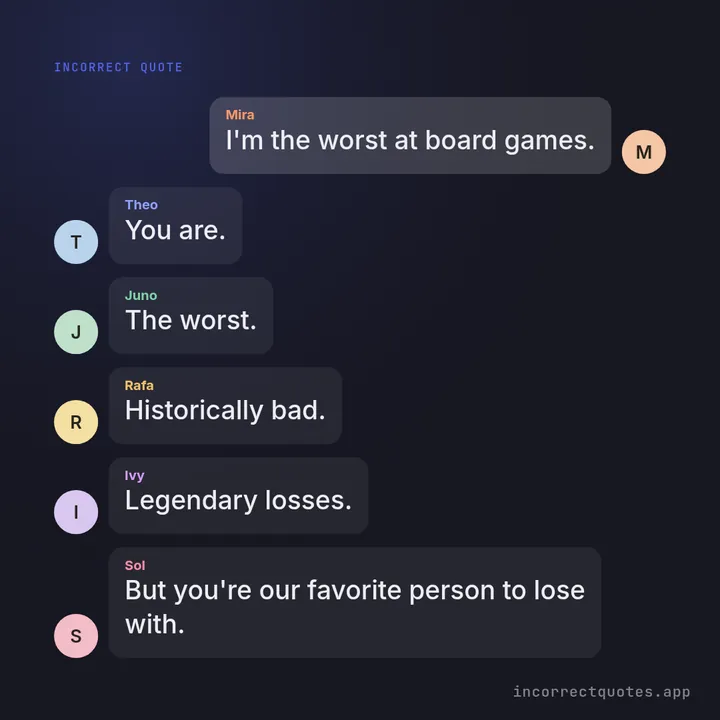
Six-person group chat
A full cast of six, text size auto-fit to the square.
Three ways to read a scene
The same template can feel very different depending on how it is shown. Script view puts the speaker's name in capitals before each line and keeps stage directions in italics, which is how most people picture an incorrect quote. Chat view lays the lines out as message bubbles, perfect for imagining the scene as a group chat. Plain text strips the formatting so it pastes cleanly into any editor.
The library behind this page has over 500 templates for casts of one to six, and every line is reviewed so it stays funny without being cruel. When a scene almost works, generate again — the picker avoids repeats until you have seen the whole pool for that cast size and vibe.
Dialogue Generator — FAQ
Is the dialogue generator free?
Yes, completely free with no sign-up, no limits and no paid tier.
Is the dialogue written by AI?
No. The templates are hand-written and checked; the generator fills in your names and pronouns and picks one at random.
Can I use the dialogue in my story?
Yes. Use it as a starting point and rewrite freely. Credit is welcome but not required.
What is the difference from the incorrect quotes generator?
They share the same library. This page is tuned for writing — multiple reading views and quick copying — while the homepage focuses on generating and sharing images.
Updated