Quote Image Maker
A quote image maker built around card design: pick a theme or build your own gradient, choose a font and alignment, then export the same quote in five platform sizes at once. Free, the watermark can be switched off, and nothing is uploaded to a server.
Card studio
Style
Background
Font & layout
Make a quote card in three steps
- 01
Type the quote
Paste the line and an optional author. Long passages are fine — auto-fit shrinks the text to keep it inside the frame.
- 02
Choose a look
Pick a theme or a two-color gradient, one of 11 fonts, the alignment, and the white card for a framed look.
- 03
Export every size
Tap any thumbnail in the size strip to preview that format, then download one PNG or a ZIP with all five sizes.
Sizes for every platform
Each card is re-laid out for its format instead of being cropped, so the text stays inside the frame.
Square 1:1
1080×1080 — Instagram feed posts, Threads, Mastodon and most group chats.
Portrait 4:5
1080×1350 — takes up more of the Instagram and Facebook feed than a square.
Story 9:16
1080×1920 — Instagram and Facebook Stories, TikTok photo posts, YouTube Shorts covers.
Wide 16:9
1920×1080 — YouTube thumbnails, Discord embeds and slides.
Link 1200×630
1200×630 — X, LinkedIn and Facebook link-style images that preview without cropping.
ZIP of all five
One click packs every size into a single download for your content calendar.
Examples
Real exports from the card studio on this site, with the default corner watermark left on.
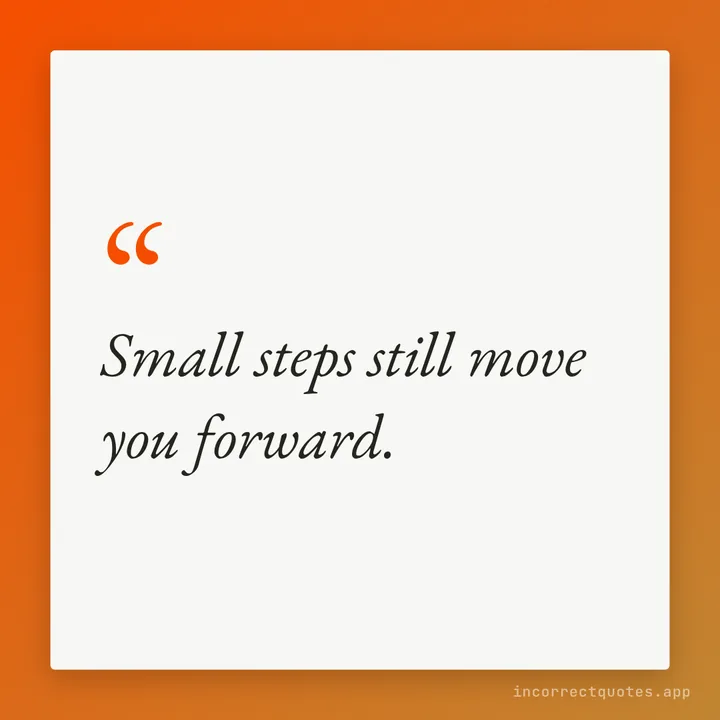
Gradient text card
A single line on a white card over a two-color gradient.
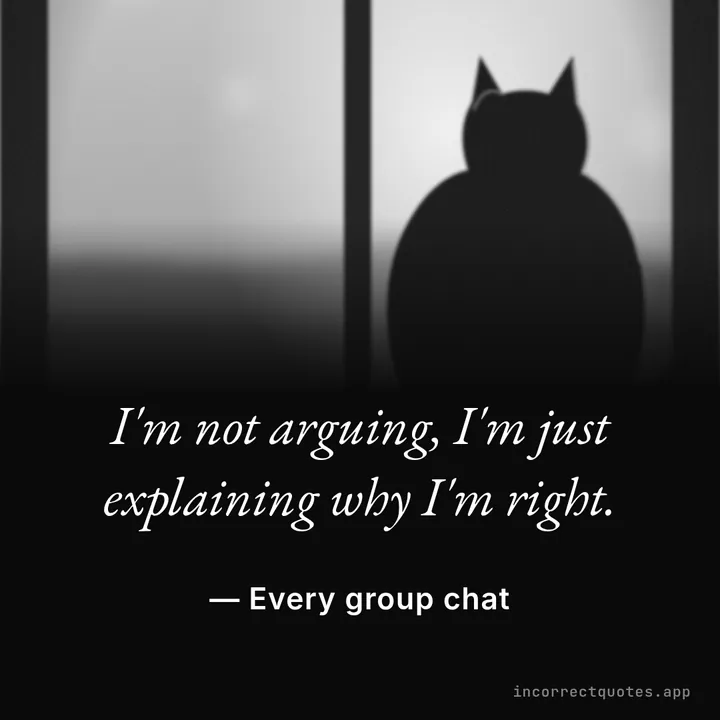
Make It a Quote photo card
Photo fading to black, the quote beside it, in black and white.
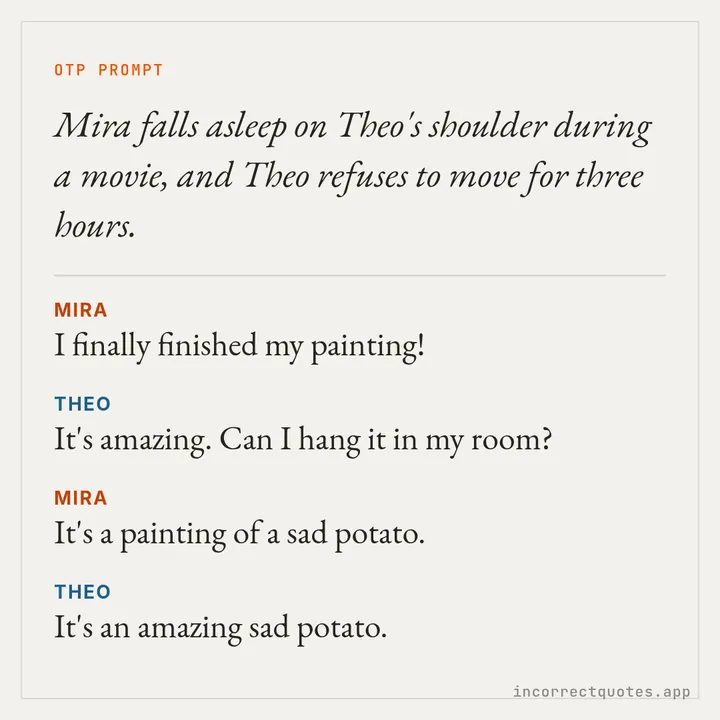
OTP prompt card
A fluffy ship prompt with a short dialogue underneath.
Why use a quote card maker instead of a design app
General design apps are great for posters, but they make you rebuild the same card for every aspect ratio. A dedicated quote image maker does the repetitive part: it keeps margins, line breaks and font size consistent while you switch sizes, so a quote for your feed and the same quote for your Story look like one set.
It also covers the meme quote maker use case. Turn on the Photo quote mode for a picture-plus-quote layout, or use the Display font on a high-contrast theme for a reaction-image style card. Everything you choose is remembered in this browser for next time.
Quote Image Maker — FAQ
Is the quote image maker free?
Yes, every feature is free and there is no sign-up. A small watermark is on by default and you can turn it off.
Can I use my own colors?
Yes. Choose Gradient in the theme list and set the start color, end color and angle.
What resolution are the images?
Square and Portrait export at 1080 px wide, Story at 1080×1920, Wide at 1920×1080 and Link at 1200×630, as PNG files.
Does it work on my phone?
Yes. The editor stacks into one column on small screens and the Share button opens your phone's share sheet where it is supported.
How is this different from Make It a Quote?
Make It a Quote focuses on the Discord bot look with a photo and a name. This page focuses on typographic cards, themes and platform sizes.
Updated