Fake Chat Generator
Make a fake group chat between any characters. Type the names, pick a cast size and press Generate for a ready-made funny conversation, then export it as a chat-style image. Everything stays on your device.
How to make a fake chat
- 01
Add the cast
Type up to six names and choose pronouns for each.
- 02
Generate
Press Generate to pull a scene from hundreds of original dialogues. Press again for another.
- 03
Export
Switch to the chat view or the Discord style and download the image.
Features
1 to 6 characters
Solo jokes, duos, trios and full group chaos.
Chat and script views
Show the scene as bubbles, as a script or as plain text.
Vibe filters
Chaotic, sarcastic, wholesome, romantic or fantasy.
No uploads
Avatars and names never leave your browser.
Examples
Real exports from the card studio on this site, with the default corner watermark left on.
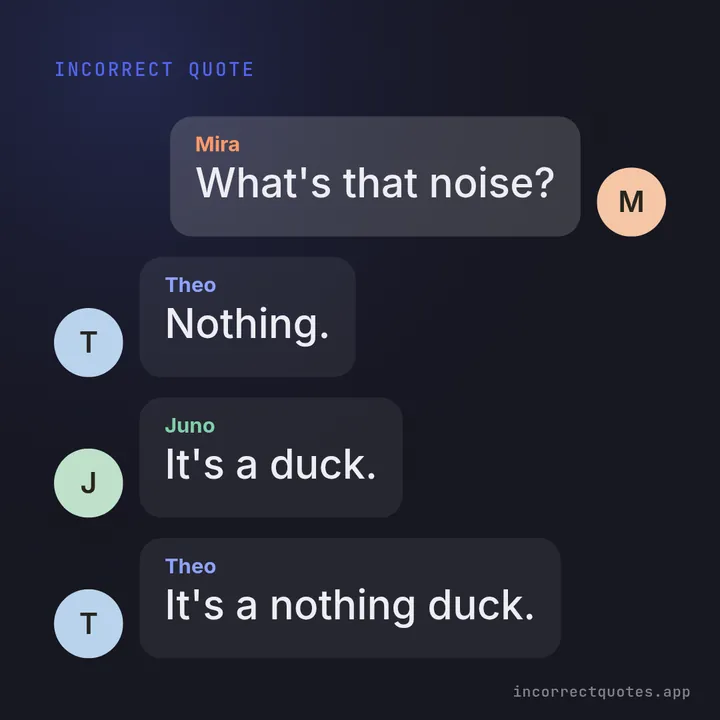
Trio in chat bubbles
Three-person chaos on the Midnight theme.
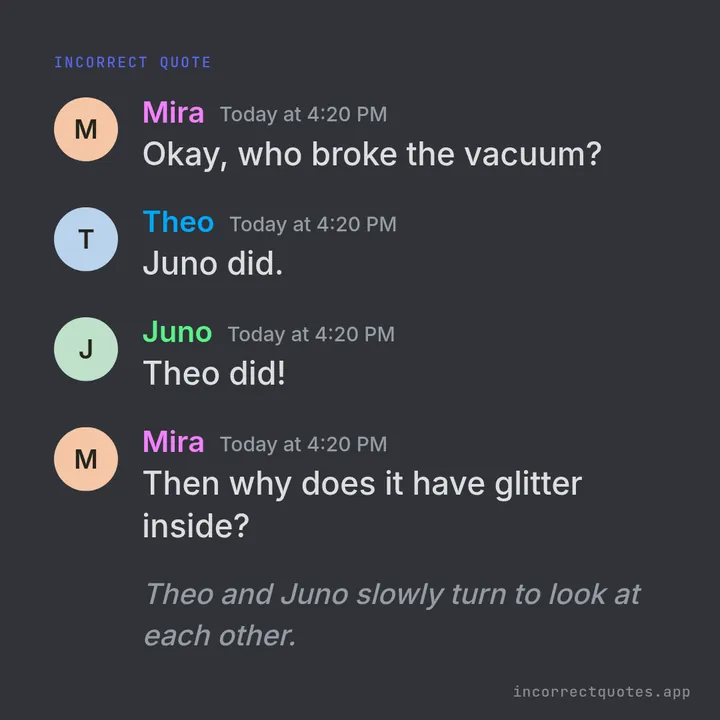
Discord-style card
Avatars, colored names and timestamps on Discord Dark.
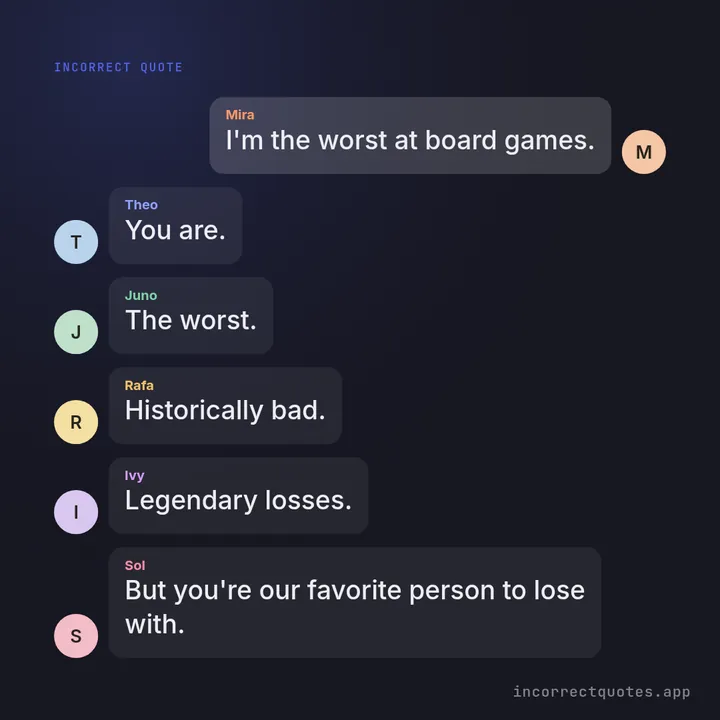
Six-person group chat
A full cast of six, text size auto-fit to the square.
What is a fake chat generator for?
Fans use fake chats to imagine how characters from a story, a game or their own friend group would talk to each other. It is a quick way to make a joke post or a writing prompt.
The scenes here are clearly fictional. Please do not use them to impersonate real people or to mislead anyone.
Fake chat generator FAQ
Is it free?
Yes, with no sign-up.
Can I use real names?
Use names you have the right to use, and do not present the result as a real conversation.
Can I edit the lines?
Copy the plain text view into any editor, or use the quote card mode for a single custom line.
Updated